❗ Missing Textures?
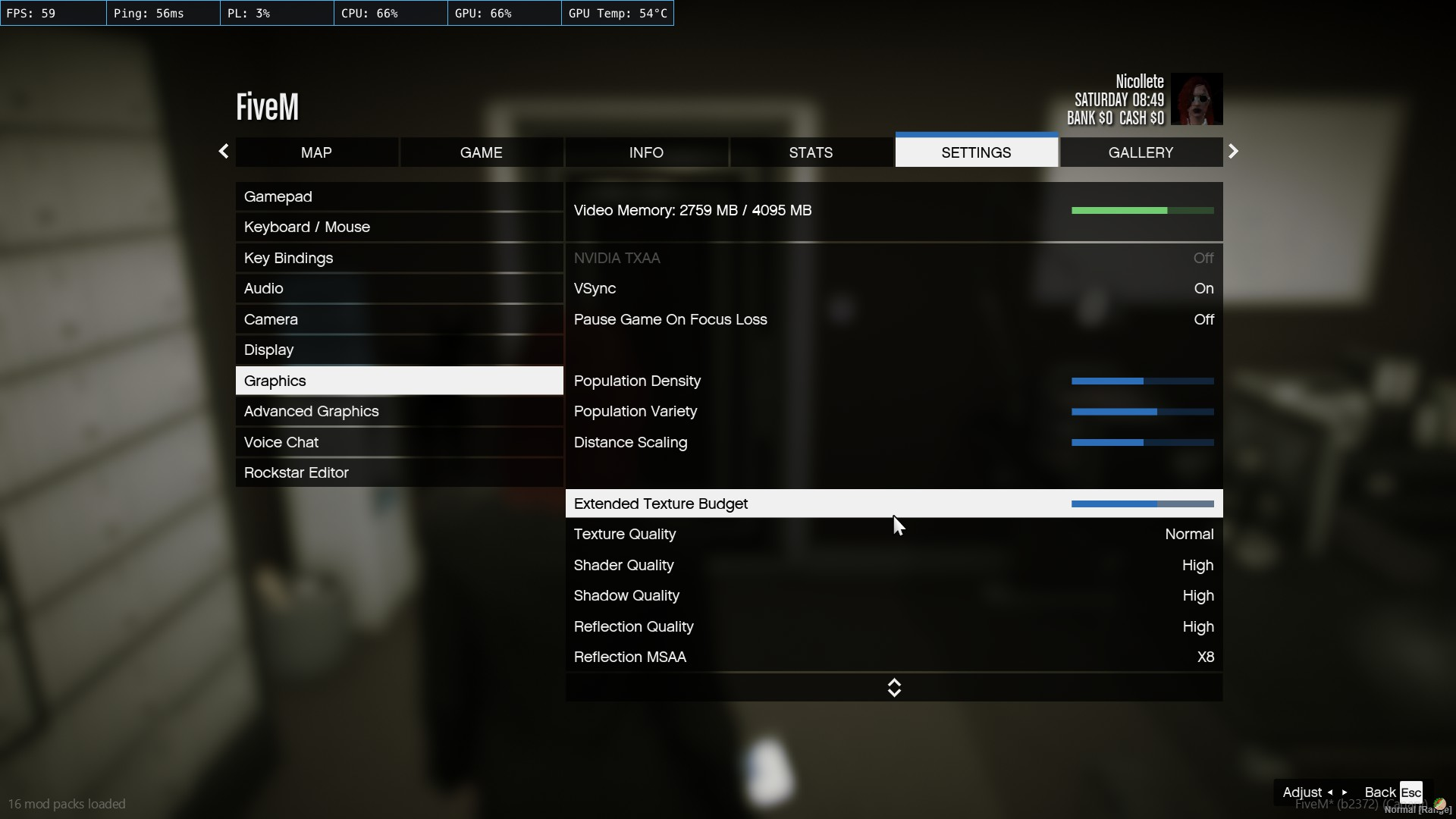
Open the main menu with ESC then click Settings followed by Graphics and scroll down to Extended Texture Budget. Increase the Extended Texture Budget until your Video Memory is around the yellow, but not in the red. No restart should be necessary though it may take a moment for your client to download the missing texture files.
If issues continue, try setting your Texture Quality to Normal and fully closing and restarting FiveM, then rejoining the server.